

Devlog One Overview
This is the first devlog for the exciting game and project that I've been working on for a while now. There are a lot of interesting features already in the game, and a lot to come. So stay tuned for more updates. This first devlog will mostly be an overview of the project as a whole, and future devlogs will be more in depth on specifics.
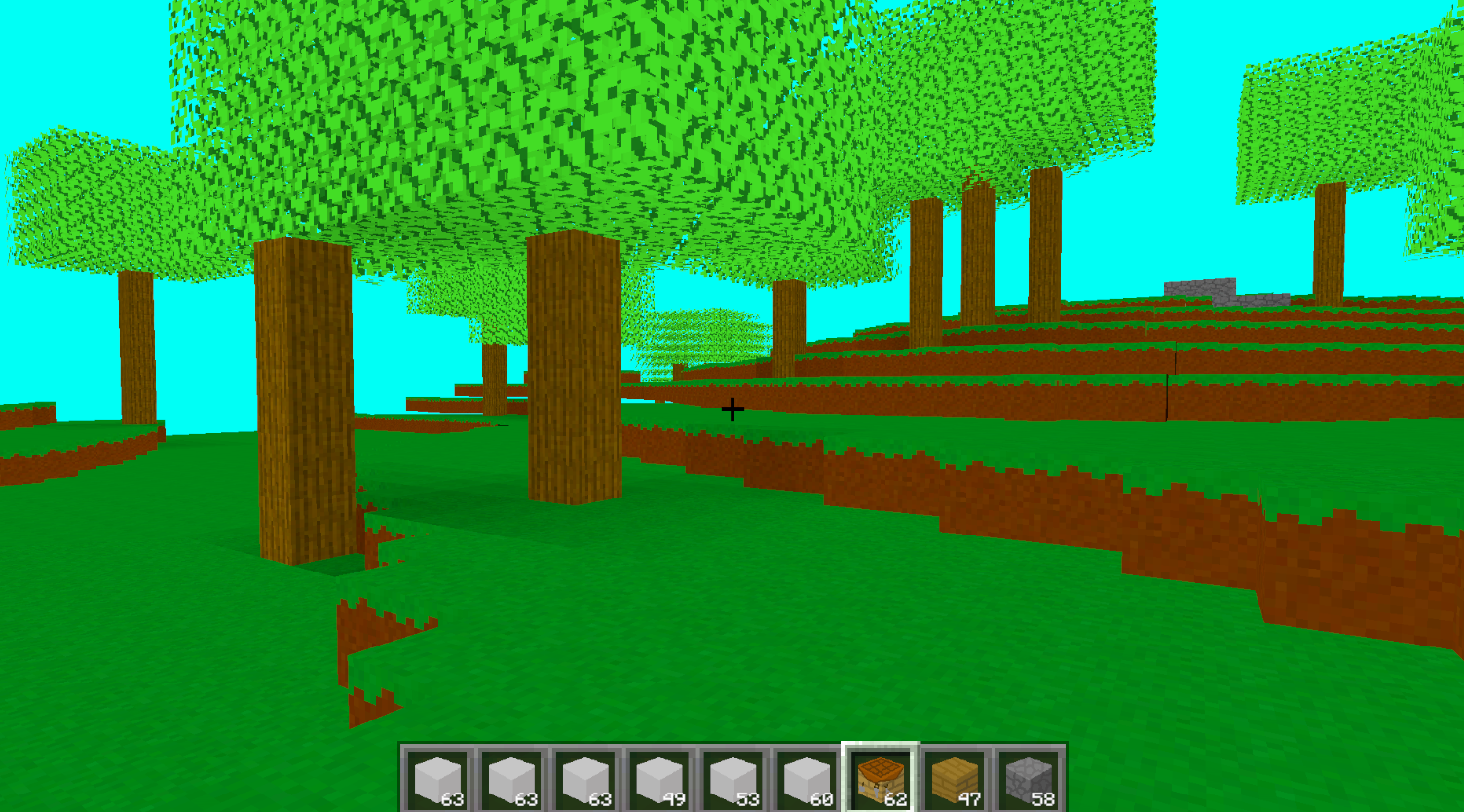
This game is heavily inspired by Minecraft, and like the original, my game isn't made with cubes as people would think, but is instead made using voxels. Fun fact: this is my first time ever working with voxels, so I had a lot of research to do when I first started working on this project. For those that don't know, voxels are in a way 3D pixels. Not really, but that's how I like to think of them. And like the original Minecraft, these voxels are combined to create chunks, which are then in turn combined to create the world.
Main Features
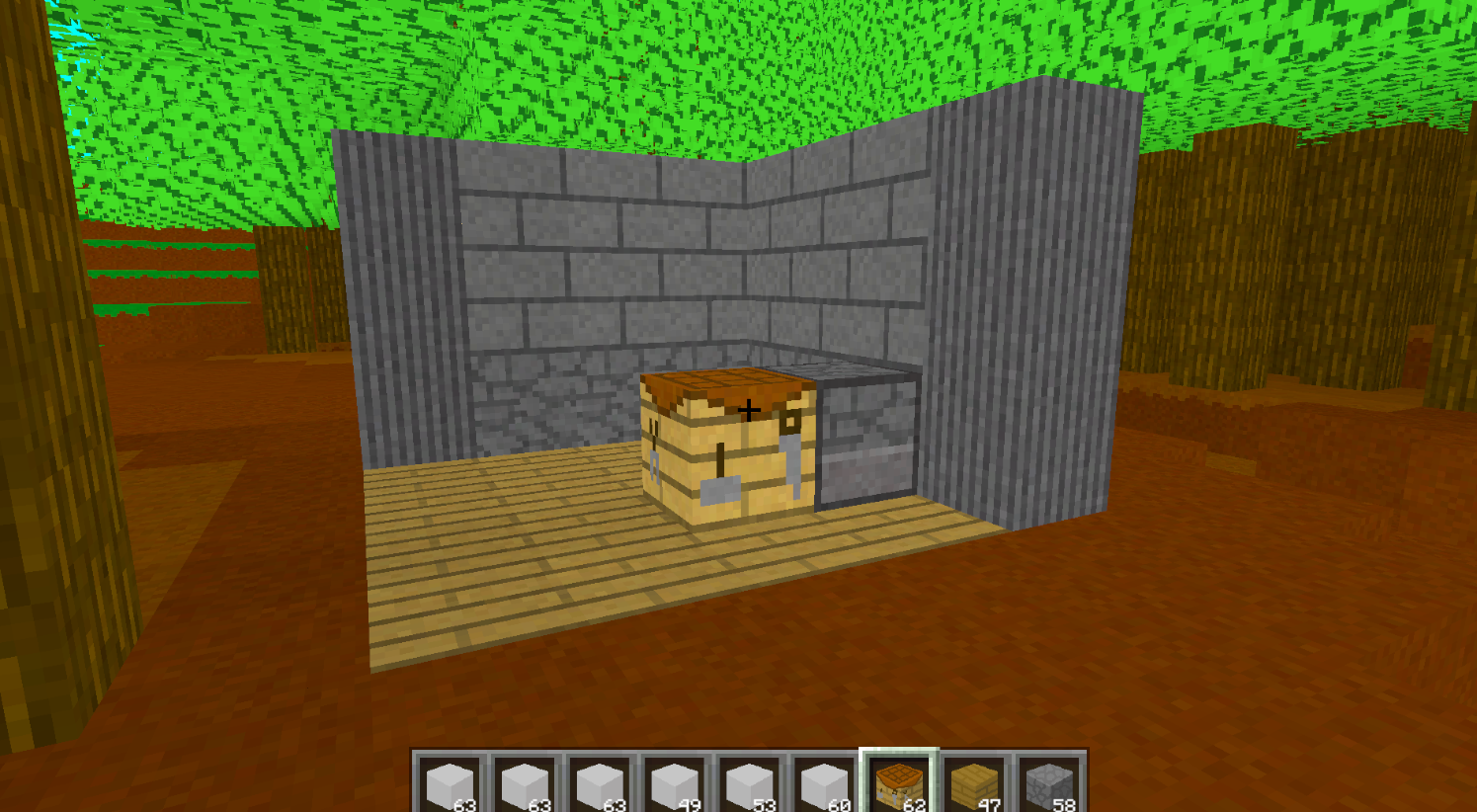
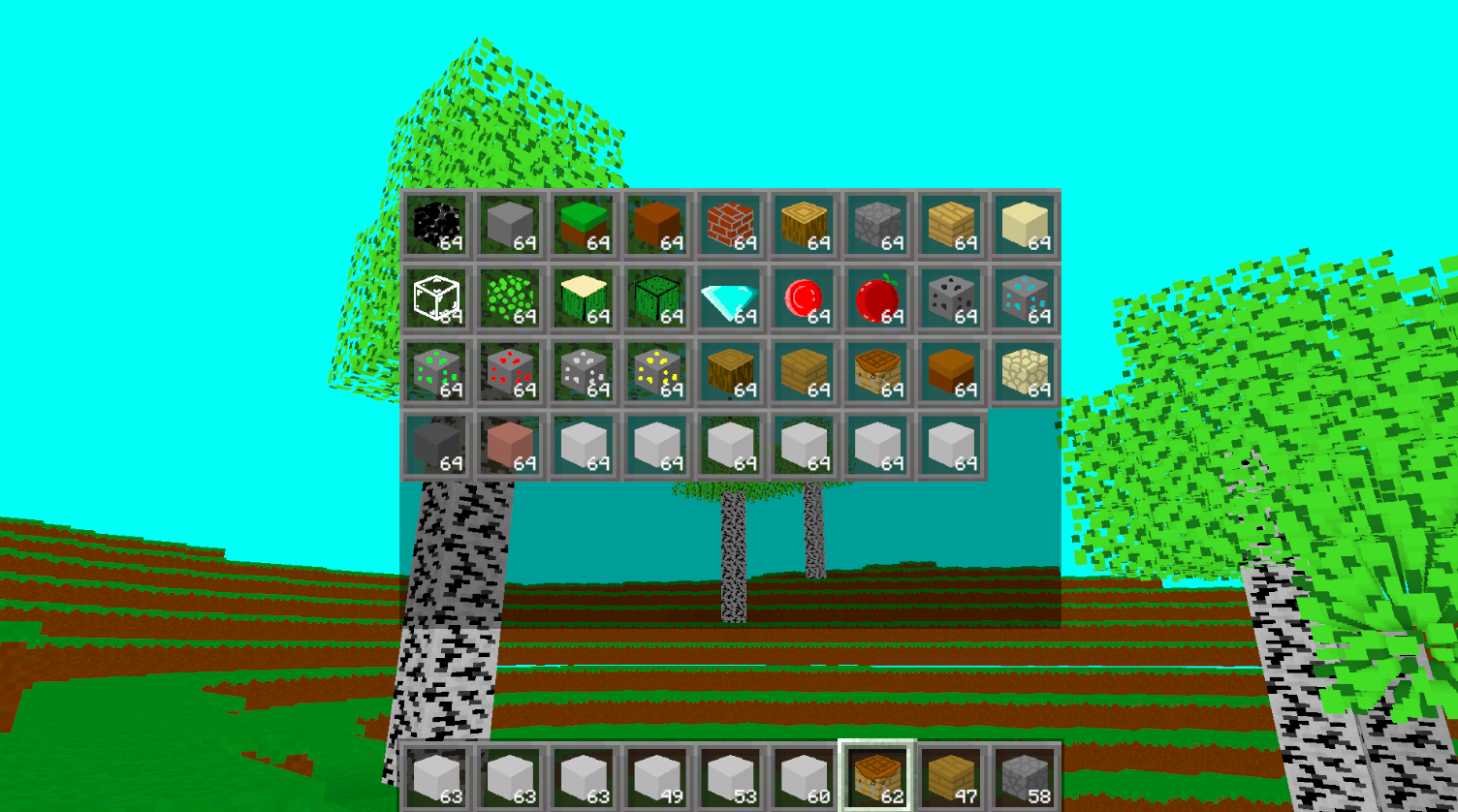
One of the main features of my game is a staple of voxel/ sandbox games: placing and destroying blocks. This is basically done by having an invisible block in front of the player that aligns with the voxels, and when I click the button to destroy or place a block, the chunk looks for the voxel located at the position of that invisible block. Right now, I have a limited inventory system for testing, but I can select specific blocks and place those in the world to create buildings.
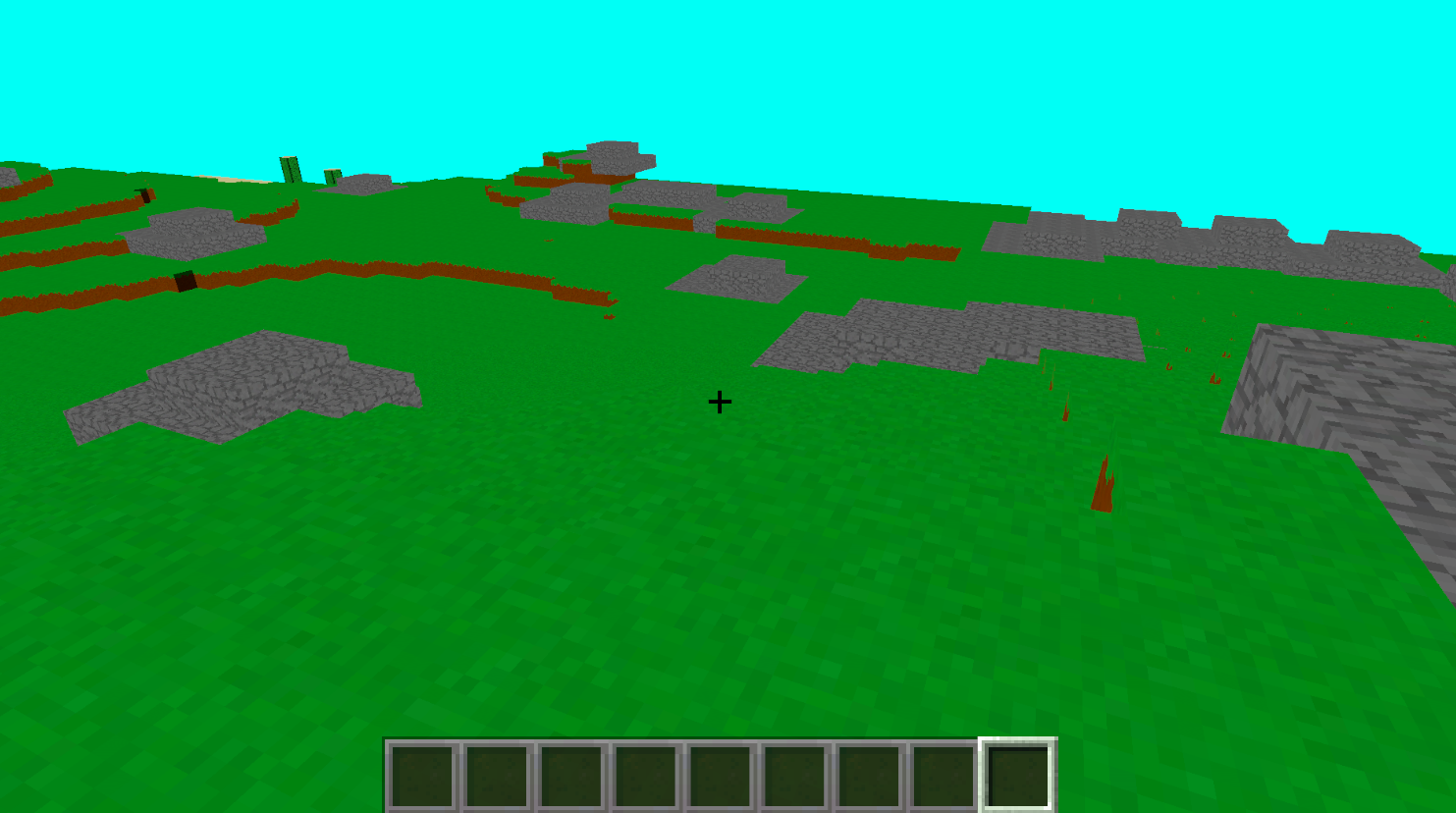
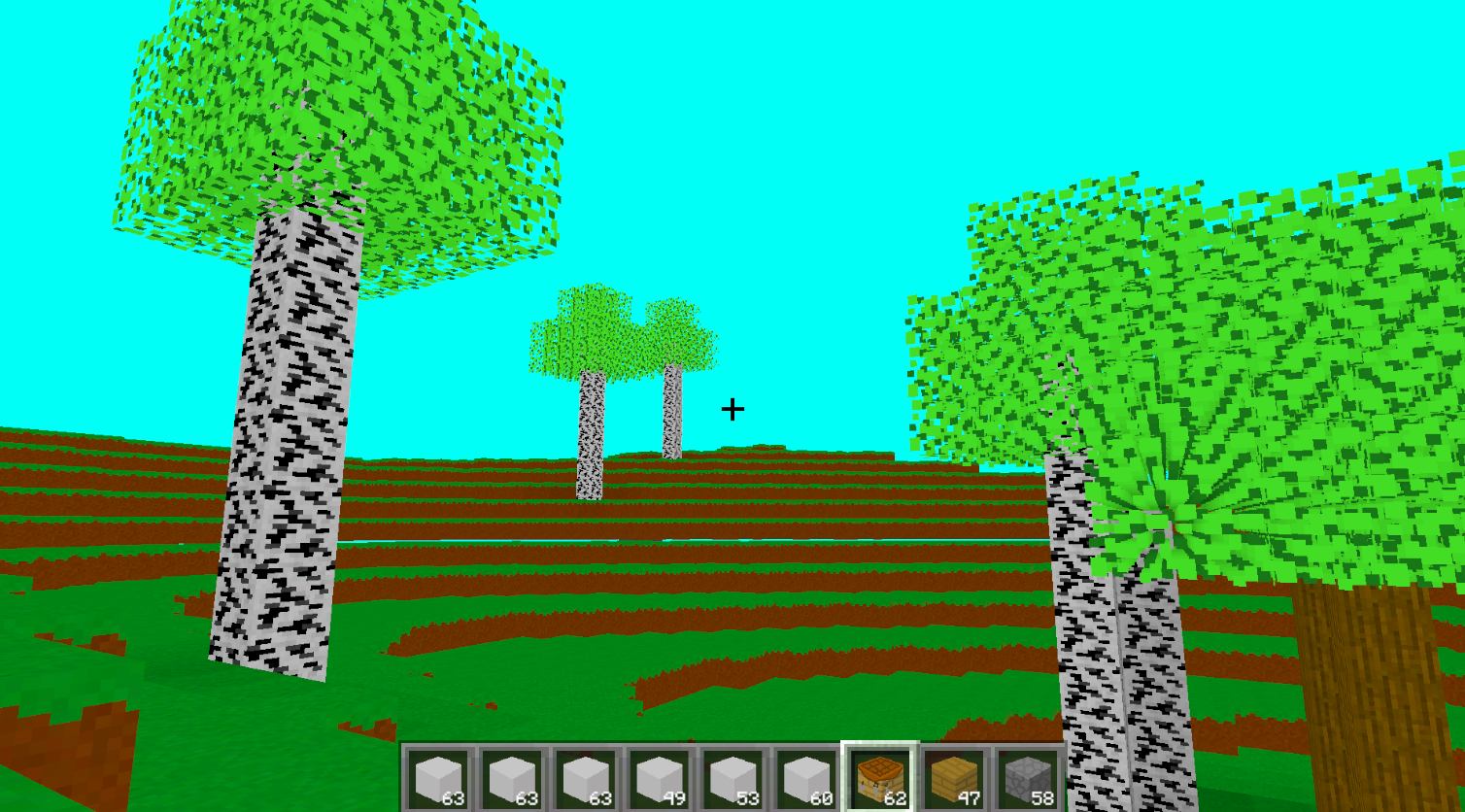
Another main feature of the game is the world generation. The world as stated before is made using voxels. The voxels come in sets, or chunks, which are combined together to create the world that the player experiences. The terrain itself has different types of levels to it,such as hills and plains. Then there are the different biomes, with different related blocks. More on biomes in another section. There are also the caves underground. The above ground terrain is made with perlin noise, which raises or lowers the voxels in each biome. For those that don't know, perlin noise refers to a black and white image where the white gives higher blocks, and black gives lower blocks. For caves, I had to combine two of these perlin noise sheets in a 'it works-ish' kind of way, to create makeshift air pockets for caves. Each biomes also had a node system to add blocks within the terrain. This would be used for things like coal or diamond ore. These nodes come with scale and distance variables that allow me to choose how rare a block can be. The world generation is likely something I'll talk more about in the next devlog, as there's a lot of things I want to do with it. Especially when I start really working on other dimensions like the nether.
The lighting was a difficult feature to implement, and in honesty... isn't fully done because that is difficult! Right now, blocks will look for a solid block above them, and if they find one, the block will darken. Then the block will look to the other blocks around it, and lighten till it reaches the standard lighting of other blocks. And there's currently some problems with this, so I got a lot of research to do. That's part of the fun of this project.
Biomes
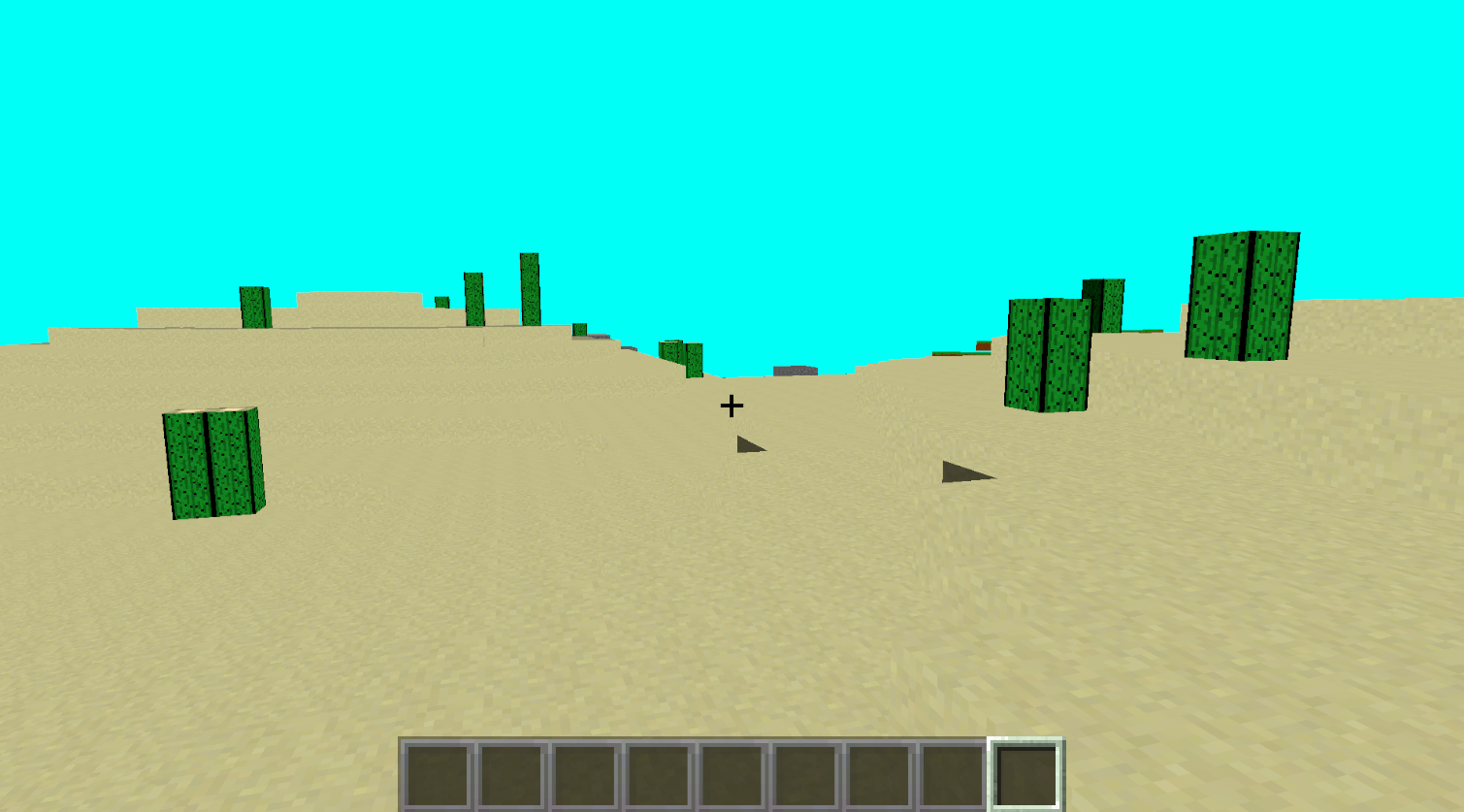
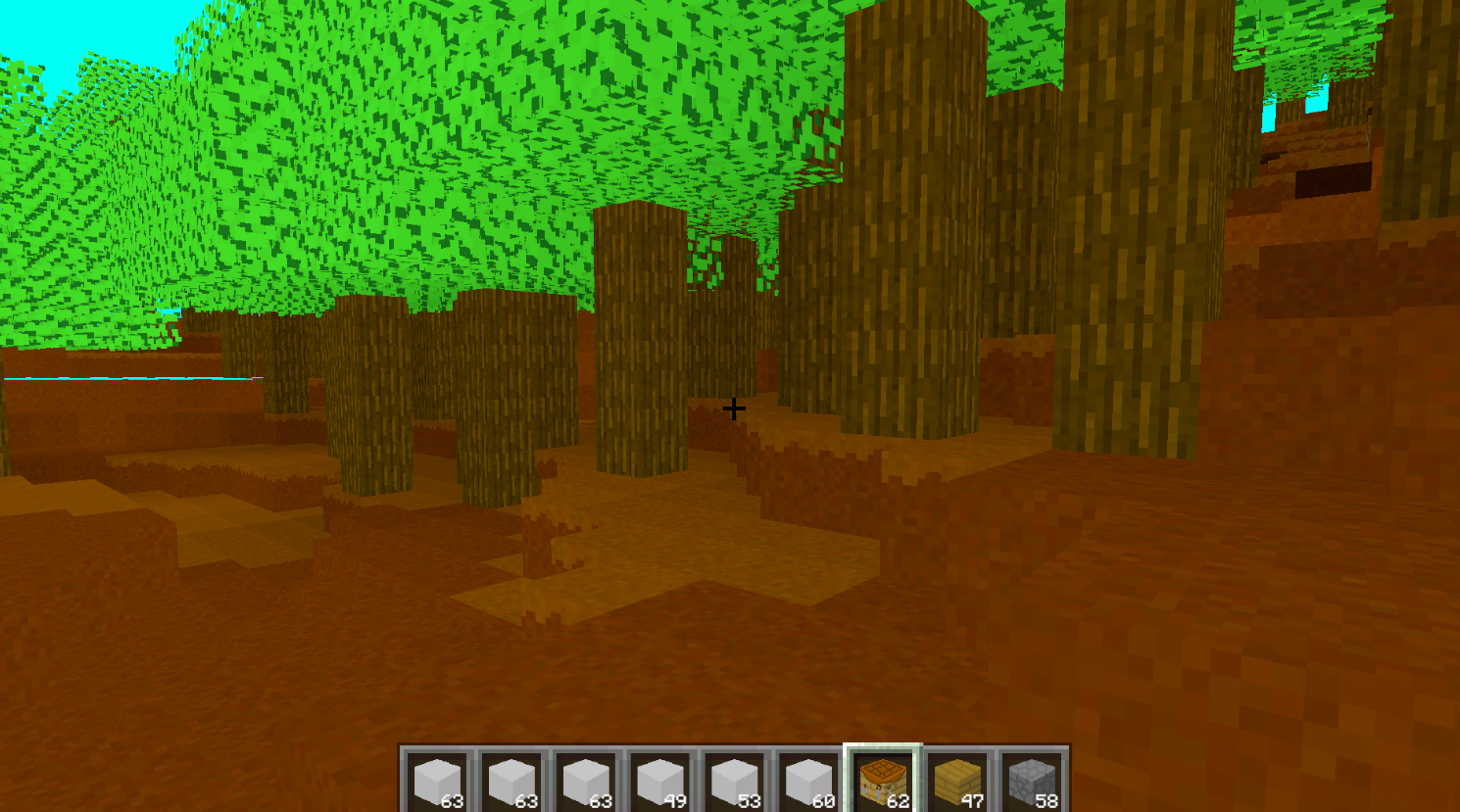
One of the interesting features in this game would be biomes, of which there are a few already: Grasslands, Desert, Birch/ Spruce/ Oak Forest, and Rocky Plains. Each biome has their own structures/ environment creations. That would be trees, cacti, pumpkins, big rock piles, and several more as well. Some biomes come with a combination of a few of the above creations. Earlier in the devlog I talked about using a node system for biomes to create blocks within the terrain. I use a similar system to create these creations. Changing variables will allow me to choose how dense a forest is or how far away a clump of pumpkins could be. To determine where the biome limits are, I use perlin noise, which is the same system I used to make the terrain levels. It kind of just paints the terrain with height levels, and changes the blocks within the biome. I might talk more about biome creation in future devlogs, if I do major interesting things with them.
Blocks
This is my first devlog, so there isn't much blocks in the game yet, but there are a few. And since this is my own game I'm able to add some of my own blocks, which aren't in the original Minecraft. One such block is Stone Pillar, a block that I really wish was in the original game (picture of block at bottom of the page). Most blocks so far are naturally occuring ones such as grass, sand, dirt, and more. In the future, once I get the crafting system implemented, I'll likely start adding as many blocks as I can think of. Mostly ones for building, since that is mostly what I enjoy doing in sandbox type games.
Currently blocks don't have directionality to them, so logs can't face the player when their placing them. But that is something that I'm working on trying to create. I do have transparent blocks though, which are kind of interesting. I'd talk about how those work, but I didn't really explain how voxels work at all, so transparent ones wouldn't make sense. Which is true, but I also just don't want to: there's a lot of text in this first devlog, and I don't want to scare away the reader. Maybe in another devlog.
Conclusion
There's a lot more I could be talking about, but since all systems are in progress as I combine them to other systems and features I add into the game, I don't want to overflow the first devlog of this game. I'll talk more about some of the other aspects of the game in future devlogs, when I work more upon them. Some of the other things I'm working on are inventories, more unique blocks, structures, player hearts (and other stats), enemies, day/ night cycle, other dimensions, and so much more. I've been working so much on this project, that even while working on this devlog, more updates have been done, making this devlog out of date. And I'm not gonna go and change up what I already wrote. So, look forward to the next devlog, where I'll likely get more in depth with the specific systems I'm working on, and not just extreme overviews of the whole project. And in the next devlog I'll try to add in pictures of what I'm talking about. That might make it possible for the reader to actually know what I'm talking about. And maybe I won't just jam a bunch of pictures at the end of the devlog. Anyways, look forward to the next devlog.